قم بتحميل صورة الشخصية وفيديو الحركة المرجعية. احصل على فيديو للتحكم في الحركة بدقة الإطار مع حركات الرقص والإيماءات والتعبيرات المتزامنة.
أول مرة هنا؟ اقرأ دليل المبتدئينSee an example pipeline
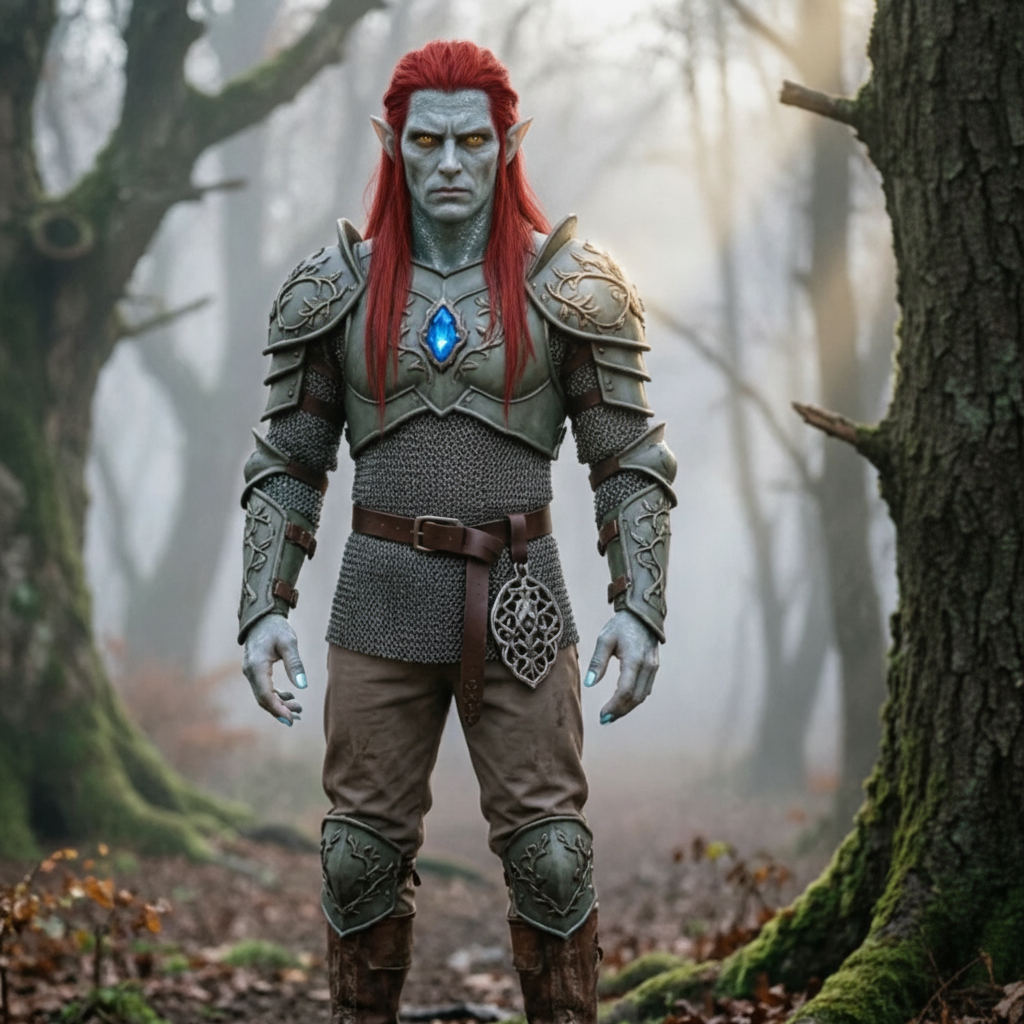
قم بتحميل من تريد تحريكه، ثم قم بتحميل الحركة التي تريد منهم نسخها.
قم بتحميل صورة شخصيتك
قم بإسقاط ملف هنا أو انقر لاختيار واحد
JPG أو PNG · 10 ميجابايت كحد أقصى · 300 بكسل على الأقل. الجزء العلوي أو الجسم الكامل الواضح والخالي من العوائق هو الأفضل.
قم بتحميل فيديو الحركة الخاص بك
اختر مقطعًا قصيرًا وواضحًا بالحركة
MP4 أو MOV · 3–30 ثانية · 10 ميجابايت كحد أقصى. أبقِ الشخص المتحرك مرئيًا بالكامل.
نصيحة: يجب أن يظل رأس الشخص وجذعه وذراعاه مرئيين بالكامل طوال المقطع، وإلا سيتم رفض التوليد.
المسموح به: 3–30s. والنتيجة تتبع هذا الطول.
وصف الخلفية والإضاءة والأسلوب. الفيديو الذي تم تحميله يوفر الحركة بالفعل.
يظهر مقطع الحركة الخاص بك هنا أولاً. يستبدله الفيديو الذي تم إنشاؤه عندما يكون جاهزًا.
ابدأ بتحميل صورة الشخصية ومقطع فيديو قصير للحركة في اللوحة الموجودة على اليسار.
اكتشف كيف ينقل المبدعون الحركة الحقيقية إلى أي شخصية باستخدام Motion Control AI. انقر فوق أي بطاقة لعرض المطالبة وجربها بنفسك.
افتح المولد وابدأ في إنشاء فيديو التحكم في الحركة.
قم بتحميل صورة شخصية بتنسيق JPG أو PNG وفيديو مرجعي مدته من 3 إلى 30 ثانية MP4 أو MOV. يجب أن يكون حجم كل ملف 10 ميغابايت أو أصغر وألا يقل عرضه وطوله عن 300 بكسل.
اختر Kling 2.6 Pro أو Kling 3.0 Standard، وحدد ما إذا كان التأطير يتبع الصورة أو الفيديو، وراجع المدة المكتشفة وتكلفة الائتمان، ثم قم بالتوليد والتنزيل.
هل تحتاج إلى مساعدة بشأن الفواتير، أو مشكلات جودة التحكم في الحركة، أو سؤال دعم حول نقل وضعية الذكاء الاصطناعي؟ تواصل معنا في أي وقت على [email protected].
قم بتحميل صورة شخصية وفيديو حركة مرجعي مدته من 3 إلى 30 ثانية. اختر Kling 2.6 Pro أو Kling 3.0 Standard، ثم اسمح لـ Motion Control AI بنسخ الحركة إلى شخصيتك. الاعتمادات المجانية متاحة. ليست هناك حاجة لبطاقة الائتمان.
