Téléchargez une image de personnage et une vidéo animée de référence. Obtenez une vidéo de contrôle de mouvement précise à l'image avec des mouvements de danse, des gestes et des expressions synchronisés.
Première fois ici ? Lire le guide du débutantSee an example pipeline
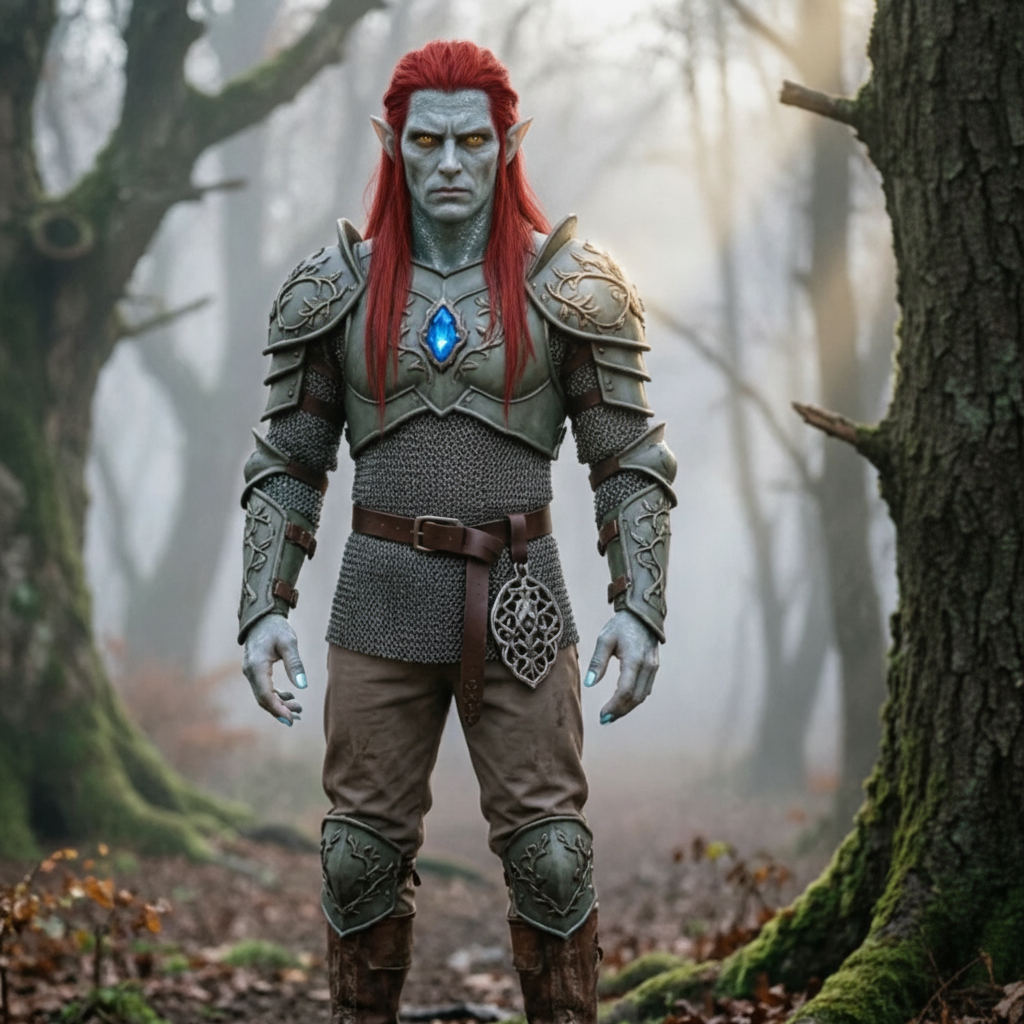
Téléchargez la personne que vous souhaitez animer, puis téléchargez le mouvement que vous souhaitez qu'il copie.
Téléchargez l'image de votre personnage
Déposez un fichier ici ou cliquez pour en choisir un
JPG ou PNG · 10 Mo max · au moins 300 px. Un haut ou un corps entier clair et dégagé fonctionne mieux.
Téléchargez votre vidéo de mouvement
Choisissez un clip animé court et clair
MP4 ou MOV · 3 à 30 secondes · 10 Mo max. Gardez la personne en mouvement entièrement visible.
Astuce : la tête, le torse et les bras de la personne doivent rester entièrement visibles tout au long du clip, sinon la génération sera rejetée.
Autorisé : 3–30s. Le résultat suit cette longueur.
Décrivez l'arrière-plan, l'éclairage et le style. La vidéo téléchargée fournit déjà le mouvement.
Votre clip de mouvement apparaît ici en premier. La vidéo générée la remplace lorsqu'elle est prête.
Commencez par télécharger une image de personnage et une courte vidéo de mouvement dans le panneau de gauche.
Découvrez comment les créateurs transfèrent un mouvement réel sur n'importe quel personnage avec Motion Control AI. Cliquez sur n'importe quelle carte pour afficher l'invite et essayez-la vous-même.
Ouvrir le générateur et commencez à créer votre vidéo de contrôle de mouvement.
Téléchargez une image de caractère JPG ou PNG et une vidéo de référence MP4 ou MOV de 3 à 30 secondes. Chaque fichier doit mesurer 10 Mo ou moins et avoir une largeur et une hauteur d'au moins 300 px.
Choisissez Kling 2.6 Pro ou Kling 3.0 Standard, décidez si le cadrage suit l'image ou la vidéo, examinez la durée détectée et le coût du crédit, puis générez et téléchargez.
Besoin d'aide concernant la facturation, des problèmes de qualité de contrôle de mouvement ou une question d'assistance sur le transfert de pose IA ? Contactez-nous à tout moment au [email protected].
Téléchargez une image de personnage et une vidéo animée de référence de 3 à 30 secondes. Choisissez Kling 2.6 Pro ou Kling 3.0 Standard, puis laissez Motion Control AI copier le mouvement sur votre personnage. Des crédits gratuits sont disponibles ; aucune carte de crédit n'est requise.
