एक चरित्र छवि और एक संदर्भ गति वीडियो अपलोड करें। समन्वयित नृत्य चालों, इशारों और भावों के साथ एक फ्रेम-सटीक गति नियंत्रण वीडियो प्राप्त करें।
पहली बार यहाँ? शुरुआती मार्गदर्शिका पढ़ेंSee an example pipeline
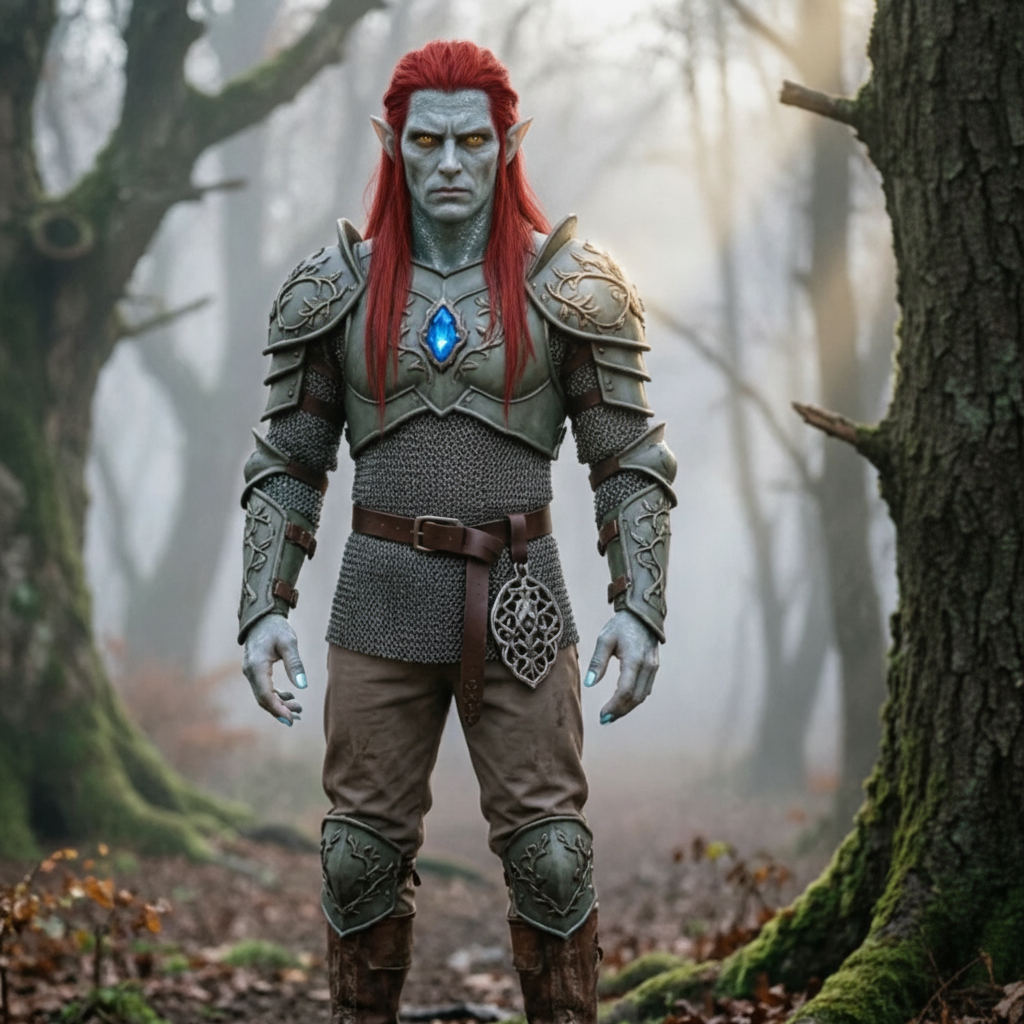
जिसे आप एनिमेट करना चाहते हैं उसे अपलोड करें, फिर उस मूवमेंट को अपलोड करें जिसे आप उनसे कॉपी कराना चाहते हैं।
अपने चरित्र की छवि अपलोड करें
एक फ़ाइल यहां छोड़ें या किसी एक को चुनने के लिए क्लिक करें
JPG या PNG · 10 एमबी अधिकतम · कम से कम 300 पिक्सेल। एक स्पष्ट, अबाधित ऊपरी या पूरा शरीर सबसे अच्छा काम करता है।
अपना आंदोलन वीडियो अपलोड करें
एक छोटी, स्पष्ट गति क्लिप चुनें
MP4 या MOV · 3-30 सेकंड · 10 एमबी अधिकतम। चलते हुए व्यक्ति को पूरी तरह से दृश्यमान रखें।
सुझाव: व्यक्ति का सिर, धड़ और हाथ पूरे क्लिप में पूरी तरह दिखाई देने चाहिए, अन्यथा जनरेशन अस्वीकार कर दिया जाएगा।
अनुमत: 3–30s। परिणाम इस लंबाई का अनुसरण करता है।
पृष्ठभूमि, प्रकाश व्यवस्था और शैली का वर्णन करें। अपलोड किया गया वीडियो पहले से ही गतिविधि प्रदान करता है।
आपकी मूवमेंट क्लिप सबसे पहले यहां दिखाई देती है। तैयार होने पर जेनरेट किया गया वीडियो इसे बदल देता है।
बाईं ओर के पैनल में एक चरित्र छवि और एक लघु गतिविधि वीडियो अपलोड करके प्रारंभ करें।
जानें कि निर्माता Motion Control AI के साथ किसी भी चरित्र पर वास्तविक गति कैसे स्थानांतरित करते हैं। संकेत देखने के लिए किसी भी कार्ड पर क्लिक करें और इसे स्वयं आज़माएँ।
जेनरेटर खोलें और अपना मोशन कंट्रोल वीडियो बनाना शुरू करें।
एक JPG या PNG वर्ण छवि और एक 3-30 सेकंड MP4 या MOV संदर्भ वीडियो अपलोड करें। प्रत्येक फ़ाइल 10 एमबी या उससे छोटी और कम से कम 300px चौड़ी और लंबी होनी चाहिए।
Kling 2.6 Pro या Kling 3.0 Standard चुनें, तय करें कि फ़्रेमिंग छवि या वीडियो का अनुसरण करती है या नहीं, पता लगाई गई अवधि और क्रेडिट लागत की समीक्षा करें, फिर जेनरेट करें और डाउनलोड करें।
बिलिंग, गति नियंत्रण गुणवत्ता के मुद्दों, या एआई पोज़ ट्रांसफर के बारे में समर्थन प्रश्न के लिए सहायता चाहिए? किसी भी समय [email protected] पर हमसे संपर्क करें।
एक चरित्र छवि और 3-30 सेकंड का संदर्भ मोशन वीडियो अपलोड करें। Kling 2.6 Pro या Kling 3.0 Standard चुनें, फिर Motion Control AI को अपने चरित्र के मूवमेंट को कॉपी करने दें। निःशुल्क क्रेडिट उपलब्ध हैं; किसी क्रेडिट कार्ड की आवश्यकता नहीं है.
