캐릭터 이미지와 레퍼런스 모션 영상을 업로드해주세요. 동기화된 댄스 동작, 제스처 및 표현을 통해 프레임 단위의 정확한 모션 제어 비디오를 얻으세요.
여기에 처음 오셨나요? 초보자 가이드 읽기See an example pipeline
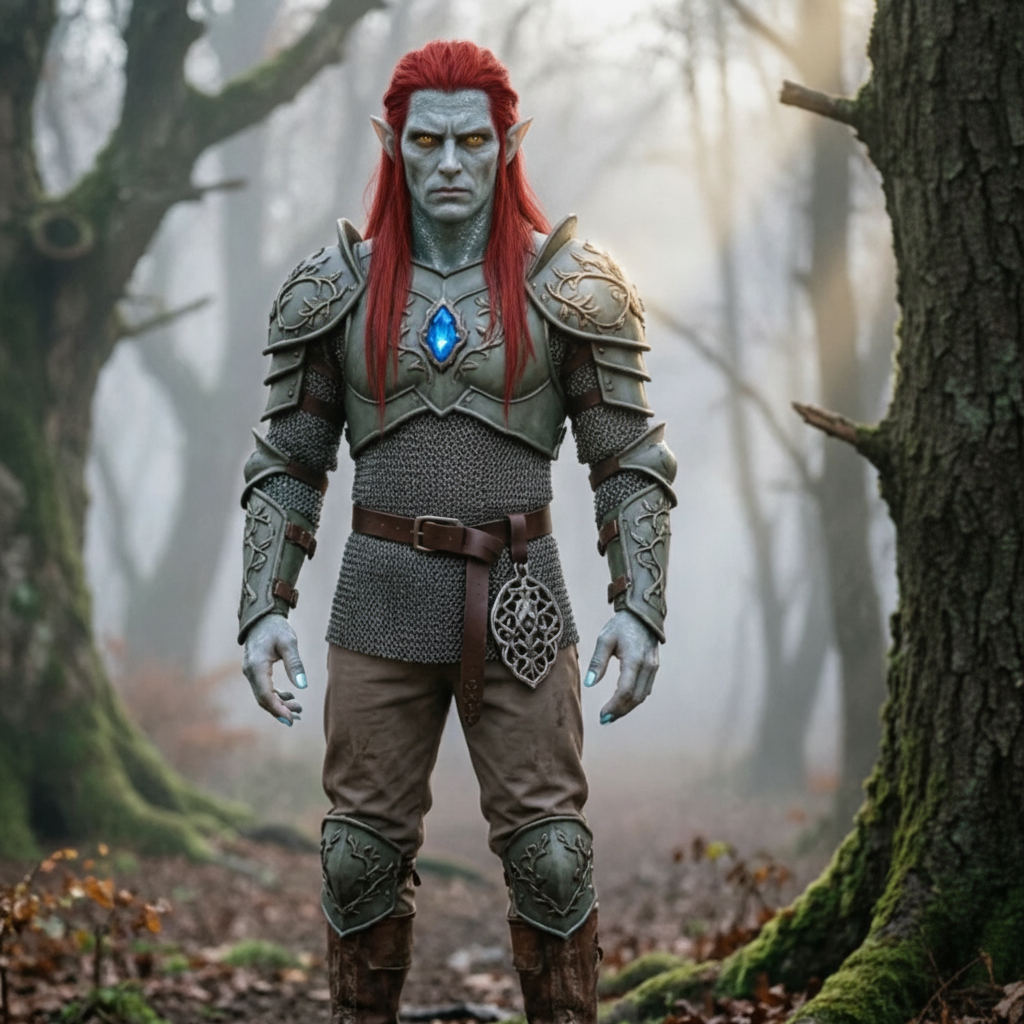
애니메이션화하려는 인물을 업로드한 다음 복사하려는 동작을 업로드하세요.
캐릭터 이미지 업로드
여기에 파일을 놓거나 클릭하여 하나를 선택하세요.
JPG 또는 PNG · 최대 10MB · 최소 300px. 깨끗하고 방해받지 않는 상체 또는 전신이 가장 잘 작동합니다.
운동 영상을 업로드하세요
짧고 선명한 모션 클립을 선택하세요.
MP4 또는 MOV · 3~30초 · 최대 10MB 움직이는 사람이 완전히 보이도록 하십시오.
팁: 인물의 머리, 몸통, 팔이 클립 내내 완전히 보이도록 하세요. 그렇지 않으면 생성이 거부됩니다.
허용됨: 3~30s. 결과는 이 길이를 따릅니다.
배경, 조명, 스타일을 설명하세요. 업로드된 영상은 이미 움직임을 제공하고 있습니다.
이동 클립이 여기에 먼저 나타납니다. 생성된 비디오는 준비가 되면 대체됩니다.
왼쪽 패널에 캐릭터 이미지와 짧은 동작 영상을 업로드하는 것부터 시작하세요.
제작자가 Motion Control AI를 사용하여 캐릭터에 실제 움직임을 전달하는 방법을 알아보세요. 아무 카드나 클릭하면 프롬프트를 보고 직접 시도해 볼 수 있습니다.
생성기 열기 모션 제어 비디오 제작을 시작하세요.
JPG 또는 PNG 문자 이미지와 3~30초 길이의 MP4 또는 MOV 참조 동영상을 업로드하세요. 각 파일은 10MB 이하여야 하며 너비와 높이가 최소 300px 이상이어야 합니다.
Kling 2.6 Pro 또는 Kling 3.0 Standard을 선택하고 프레임이 이미지 또는 비디오를 따르는지 결정하고 감지된 지속 시간 및 크레딧 비용을 검토한 다음 생성하고 다운로드합니다.
청구, 모션 제어 품질 문제 또는 AI 포즈 전송에 대한 지원 질문에 대한 도움이 필요하십니까? 언제든지 [email protected]로 문의하세요.
캐릭터 이미지와 3~30초 정도의 레퍼런스 모션 영상을 업로드하세요. Kling 2.6 Pro 또는 Kling 3.0 Standard을 선택한 다음 Motion Control AI에서 캐릭터에 움직임을 복사하도록 합니다. 무료 크레딧을 사용할 수 있습니다. 신용 카드가 필요하지 않습니다.
