Faça upload de uma imagem de personagem e um vídeo de referência em movimento. Obtenha um vídeo de controle de movimento com precisão de quadro e movimentos de dança, gestos e expressões sincronizados.
Primeira vez aqui? Leia o guia para iniciantesSee an example pipeline
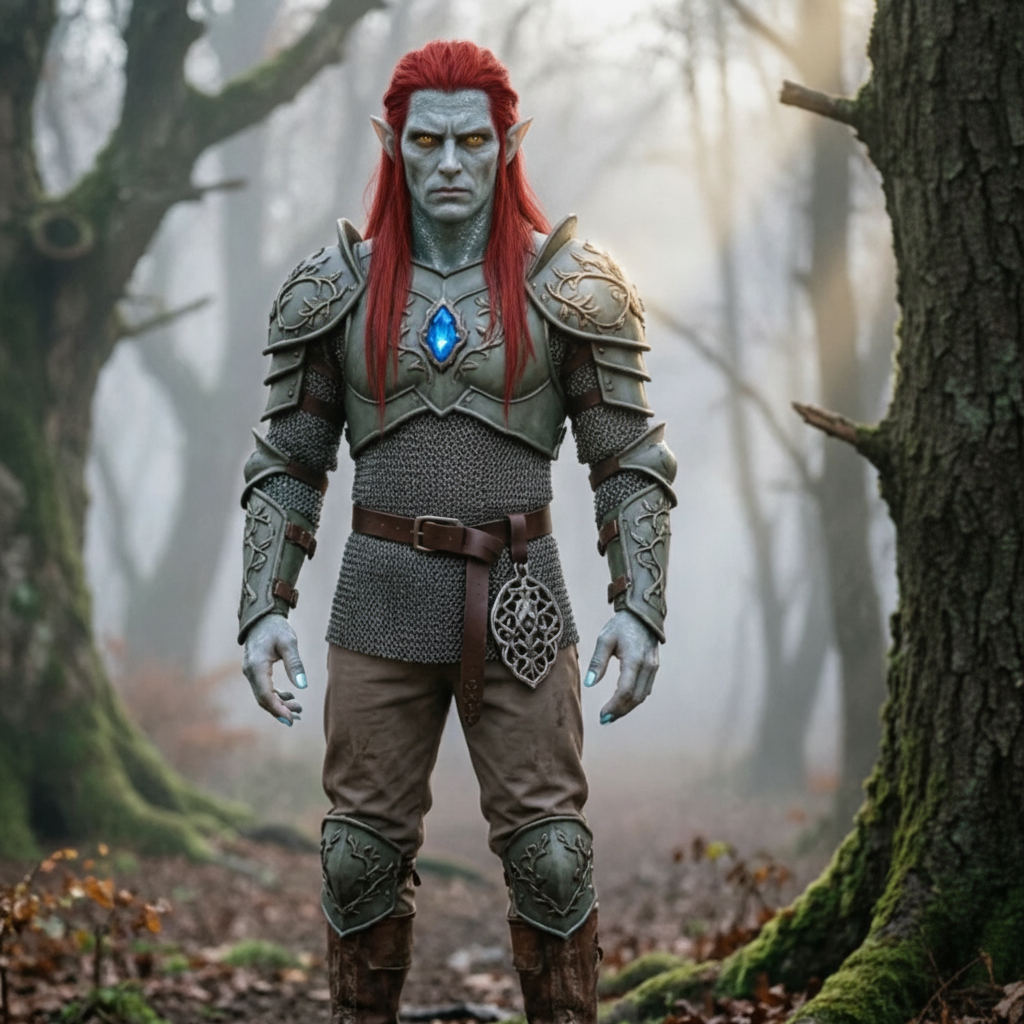
Carregue quem você deseja animar e, em seguida, carregue o movimento que deseja copiar.
Envie a imagem do seu personagem
Solte um arquivo aqui ou clique para escolher um
JPG ou PNG · 10 MB no máximo · pelo menos 300 px. Uma parte superior ou inteira do corpo limpa e desobstruída funciona melhor.
Envie seu vídeo de movimento
Escolha um clipe de movimento curto e claro
MP4 ou MOV · 3–30 segundos · 10 MB no máximo. Mantenha a pessoa em movimento totalmente visível.
Dica: a cabeça, o tronco e os braços da pessoa devem permanecer totalmente visíveis durante todo o clipe, caso contrário, a geração será rejeitada.
Permitido: 3–30s. O resultado segue esse comprimento.
Descreva o plano de fundo, a iluminação e o estilo. O vídeo enviado já fornece o movimento.
Seu clipe de movimento aparece aqui primeiro. O vídeo gerado o substitui quando estiver pronto.
Comece enviando uma imagem de personagem e um pequeno vídeo de movimento no painel à esquerda.
Explore como os criadores transferem movimento real para qualquer personagem com Motion Control AI. Clique em qualquer cartão para ver o prompt e experimente você mesmo.
Abra o Gerador e comece a criar seu vídeo de controle de movimento.
Faça upload de uma imagem de personagem JPG ou PNG e um vídeo de referência MP4 ou MOV de 3 a 30 segundos. Cada arquivo deve ter 10 MB ou menos e pelo menos 300 px de largura e altura.
Escolha Kling 2.6 Pro ou Kling 3.0 Standard, decida se o enquadramento segue a imagem ou vídeo, revise a duração detectada e o custo de crédito, depois gere e faça download.
Precisa de ajuda com faturamento, problemas de qualidade de controle de movimento ou uma pergunta de suporte sobre transferência de pose de IA? Entre em contato conosco a qualquer momento em [email protected].
Faça upload de uma imagem de personagem e um vídeo de referência em movimento de 3 a 30 segundos. Escolha Kling 2.6 Pro ou Kling 3.0 Standard e deixe Motion Control AI copiar o movimento para seu personagem. Créditos gratuitos estão disponíveis; nenhum cartão de crédito é necessário.
